Please follow below steps to change root password via SSH of a dedicated server / VPS.
Step 1:
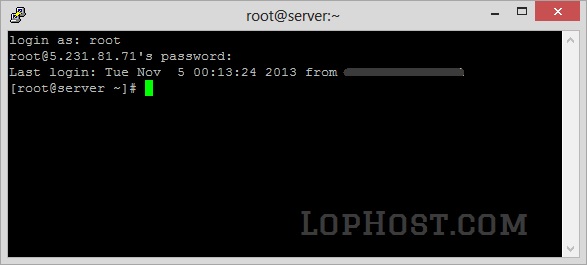
Login as root to your server via SSH.
Step 2:
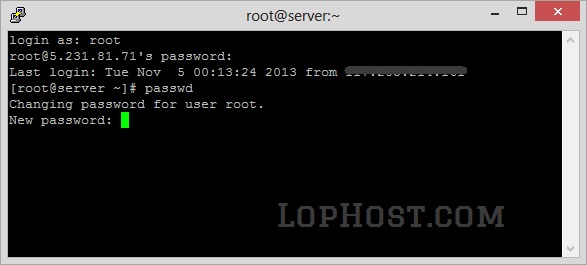
Run below command
passwd
Step 3:
Enter your new password and press enter.
Step 4:
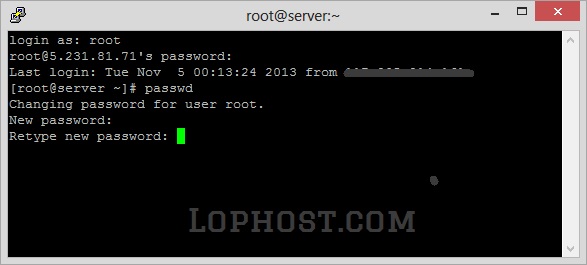
Re-enter your new password to confirm the password.
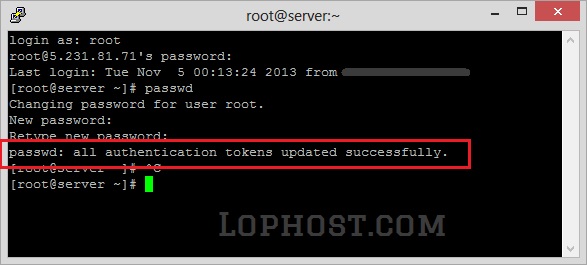
If completed successfully, the shell will show you a successful message showing
passwd: all authentication tokens updated successfully.
Done!!!